

Feedoptimise
How do I connect my inventory with Feedoptimise?
- Go to the Feeds section in Feedoptimise and add a new Feed.
- Select the source to load the data from and click Continue:
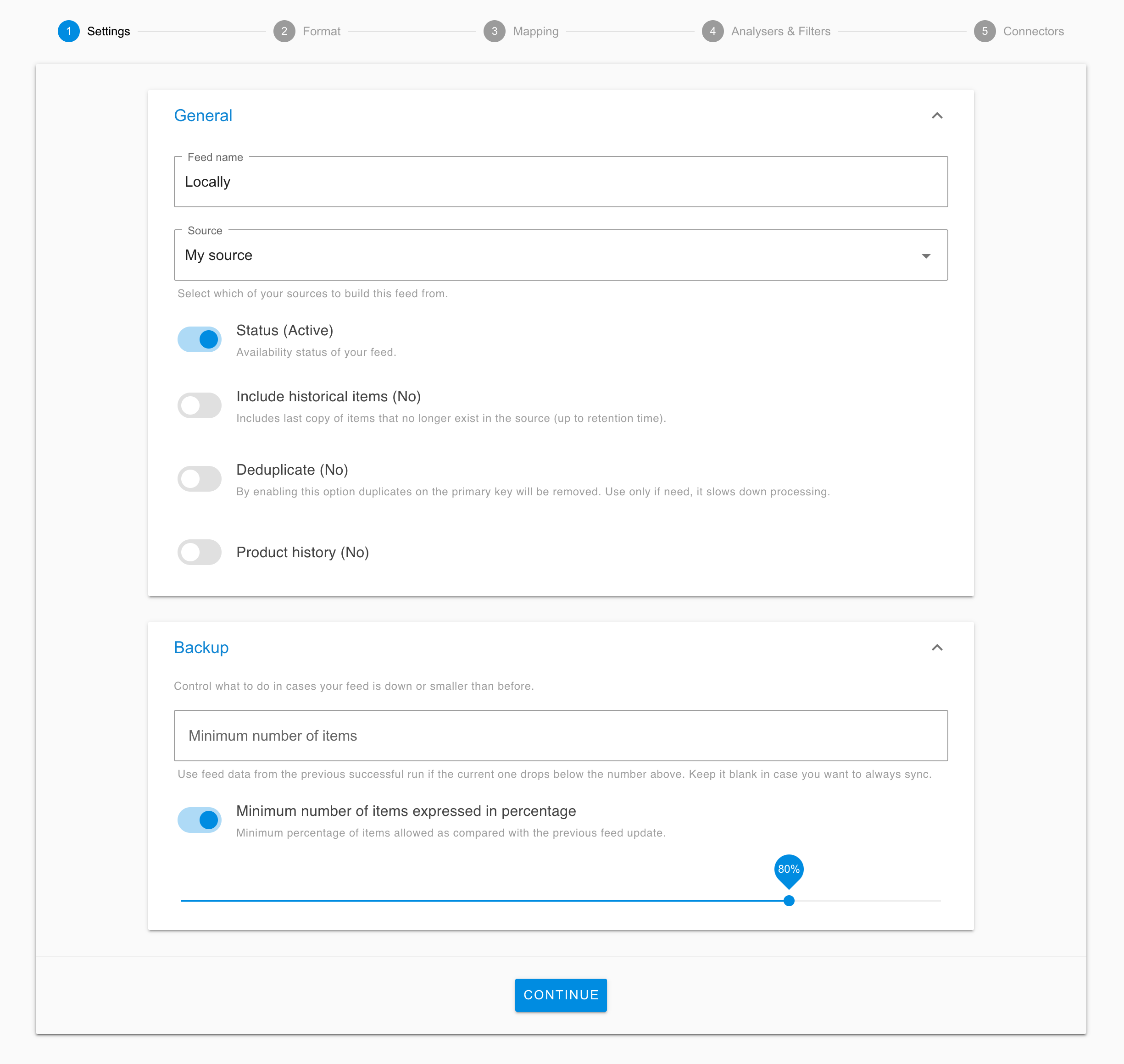
- Under Format, select Locally template and click Continue
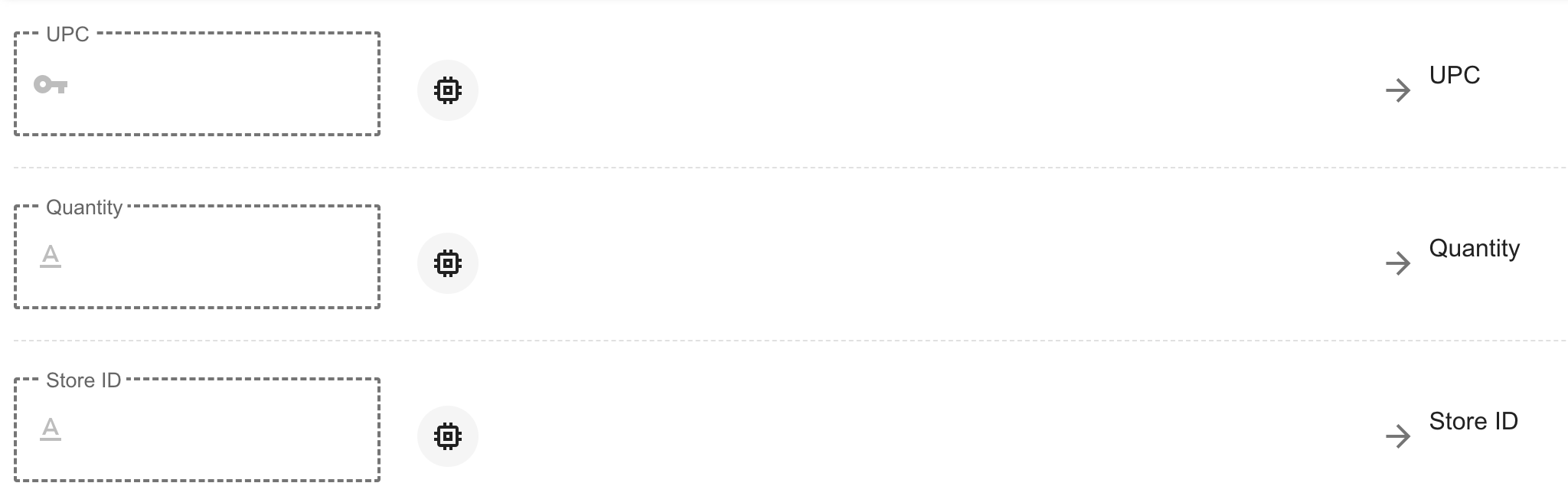
- Map your relevant product attributes and press Continue to go into Connectors
- Select the relevant method for delivering your feed and keeping it up to date.

- To create the feed, click Save and Finish.
- Depending on how you choose to save and transmit your file see instructions below:
- SFTP: To push your file to us via SFTP, generate credentials from your locally.com account or contact Locally for assistance. Once you have the credentials, drop your file(s) in the folder and then notify [email protected].
- URL: Send the URL to [email protected].
Updated 3 months ago
Did this page help you?