

Inventory Troubleshooting
How do I troubleshoot my inventory?
We are happy to help, but here are a few things you can audit for yourself.
Audit In-Stock Inventory
Note that this report will not reflect newly synced inventory. If your inventory is stale, it'll display the inventory from your last successful sync.
- Go to in-stock reports tab.
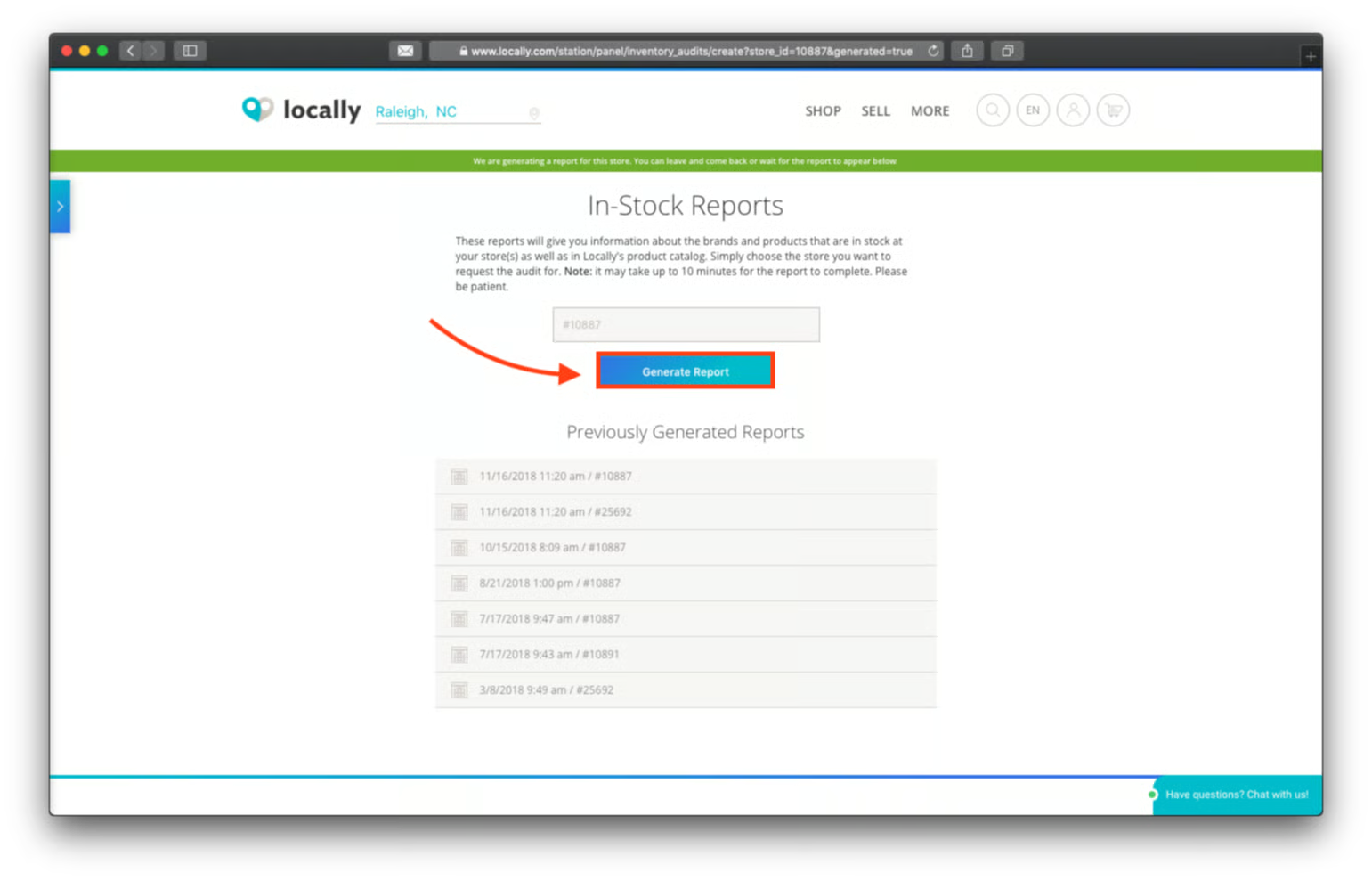
- Choose the location and hit generate report
- Once the report is generated (it may take a few minutes), you'll be able to see a snapshot of how many UPC/EAN were in your file and how many our system recognized. Here is an example: - 5761 UPCs checked against Locally master catalog - 5761 UPCs exist in Locally master product catalog 100% of UPCs are covered by Locally catalog system The number of UPC/EAN checked is the total number of UPC/EAN we are receiving from you. The number of UPC/EAN that exist are the UPC/EAN that are actually in our product catalogs. In this instance, our system recognized all 5761 UPCs included in the inventory report. There was one UPC/EAN for a brand that we weren't partnered with, so that UPC/EAN won't be broadcast online.
- Download the actual report for more information. If there is only a brand name listed with no product information it means we identified that UPC as belonging to that brand, but that specific product is not in the catalog that we received from the brand. This is typically because that item is from a previous season. If there is neither a brand name nor a product name, that means our system couldn't recognize the UPC at all. This could be because: 1. We're not partnered with that brand 2. We are partnered with that brand, but it's an old UPC 3. The UPC doesn't exist in the database we search outside of our master catalog
Check Brand Authorizations
If you're sending the UPCs but they're still not appearing, check if any products are appearing for that brand. If no, you may not be authorized for that brand (which in Locally-speak means, "included on their dealer list"). Follow these instructions to request authorization.
Download Brand Catalogs
Brand catalogs can give you more info. You can download catalogs from our official brand partners. Non-partners will result in a 404 error.
- Go to brand relationships > brand catalogs. Brand partner catalogs will download. Non-brand partners will not download.
- If a brand is missing an expected UPC (current season) email [email protected] with the UPC info, so we can check-in with the brand. We cannot add UPCs the brand don't want up, but sometimes there are errors.
Updated 4 months ago
Did this page help you?