

Yext Store Management
How do I have Yext manage my store details?
Locally is excited to feature a sync with Yext, a popular store listings management platform.
When you activate this integration, any edits you make to certain store details in Yext will automatically update your Locally listing in real-time.
When you enable this integration, your Yext profile will override the following on Locally:
- Store name and address details
- Store Hours: regular and special hours
- Geo-coordinates (latitude and longitude)
- Social URLs: Facebook, Instagram and Twitter
Use Yext? To enable this for your company, contact [email protected].
After working with our support team to set up the connection, there is a final step that must be completed on your end. In order to complete the real-time Yext connection with Locally, please follow the instructions below.
- Here is how to set up our Yext webhook on your end. We have also added step by step instructions and screenshots below. https://hitchhikers.yext.com/guides/configuring-webhooks/
- Login to the developer console in Yext and select the app.
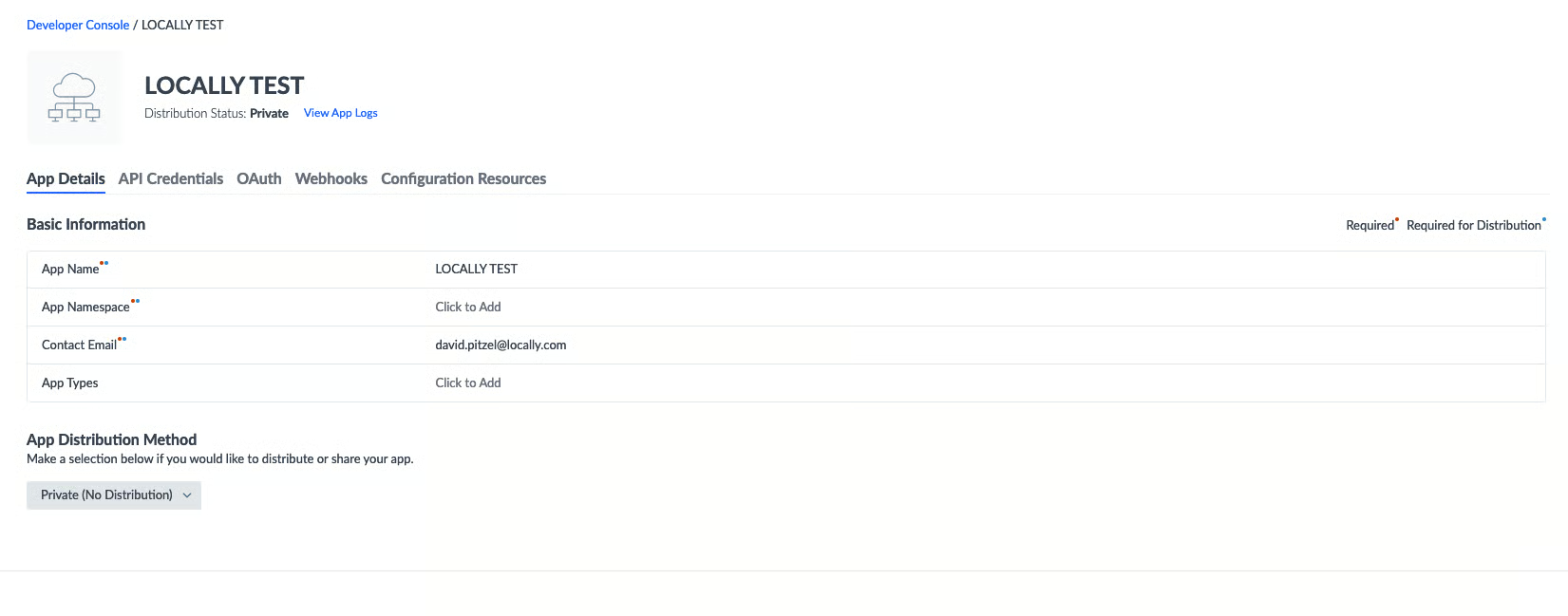
- Go to the Webhooks tab. Click add a webhook
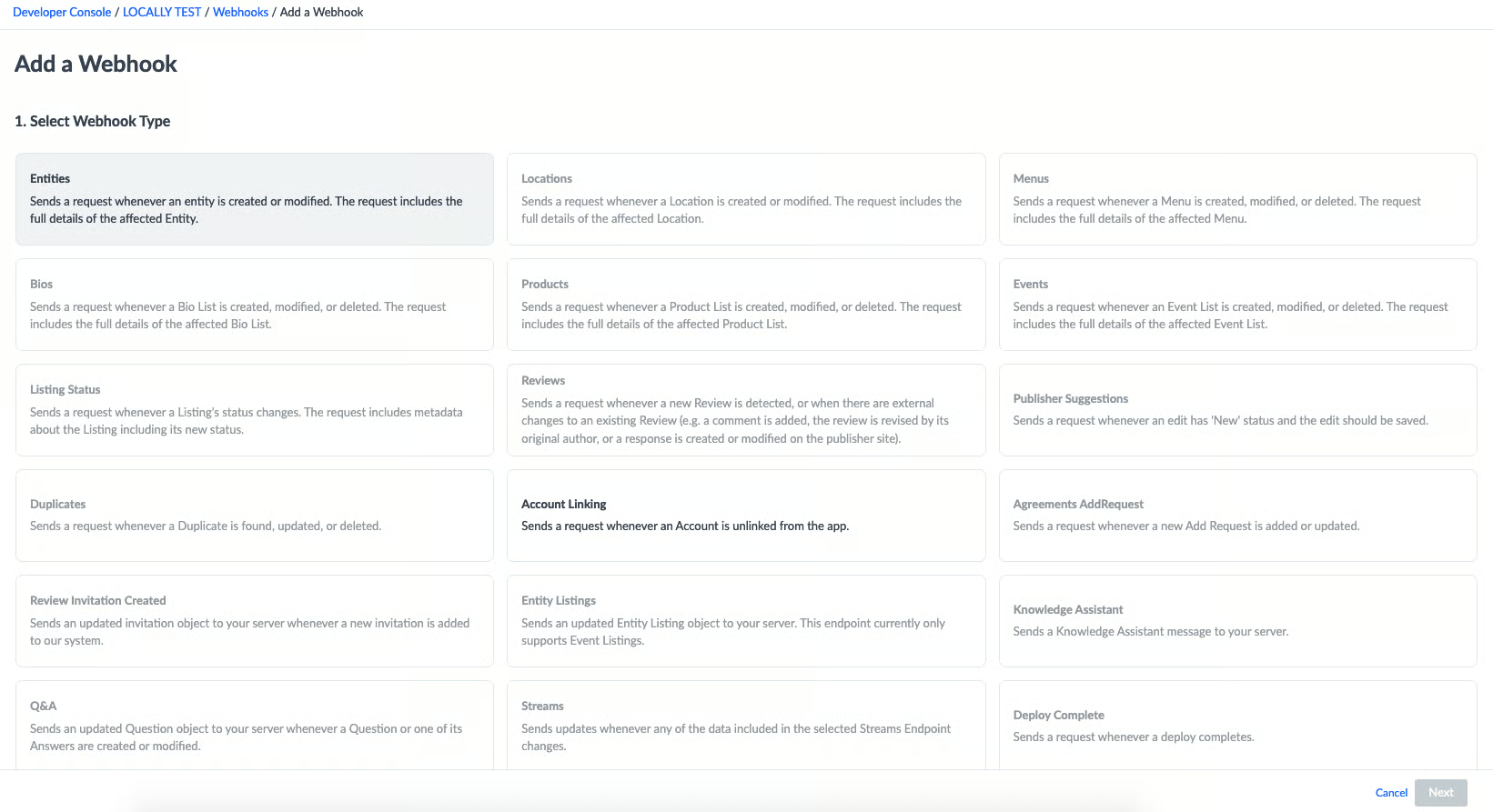
- Select entities then next.
- Add the web hook URL https://www.locally.com/yext/webhook in the URL field
- Click send test message
The test message should come back with something similar to the following:
{"Status":"Warning","StatusReason":"Unable to find store for entity id: 334"}or
{"Status":"Success","StatusReason":""}Either of these indicates that the webhook is hitting the correct spot and it is sending back a response.
- Click finish and add.
Updated 3 months ago